Sudoku apps without lives or mistake limits
Real sudoku has no lives. The "3 mistakes and your game ends" rule exists in apps for one reason: it interrupts your puzzle so you'll watch an ad or pay to continue. It was never part of the game. If you want sudoku the way it works on paper — think as long as you like, be wrong as often as you need — you want an app with no mistake limit, and they do exist.
This guide explains where the mistake counter came from, what it does to the way you solve, and how to play without it.
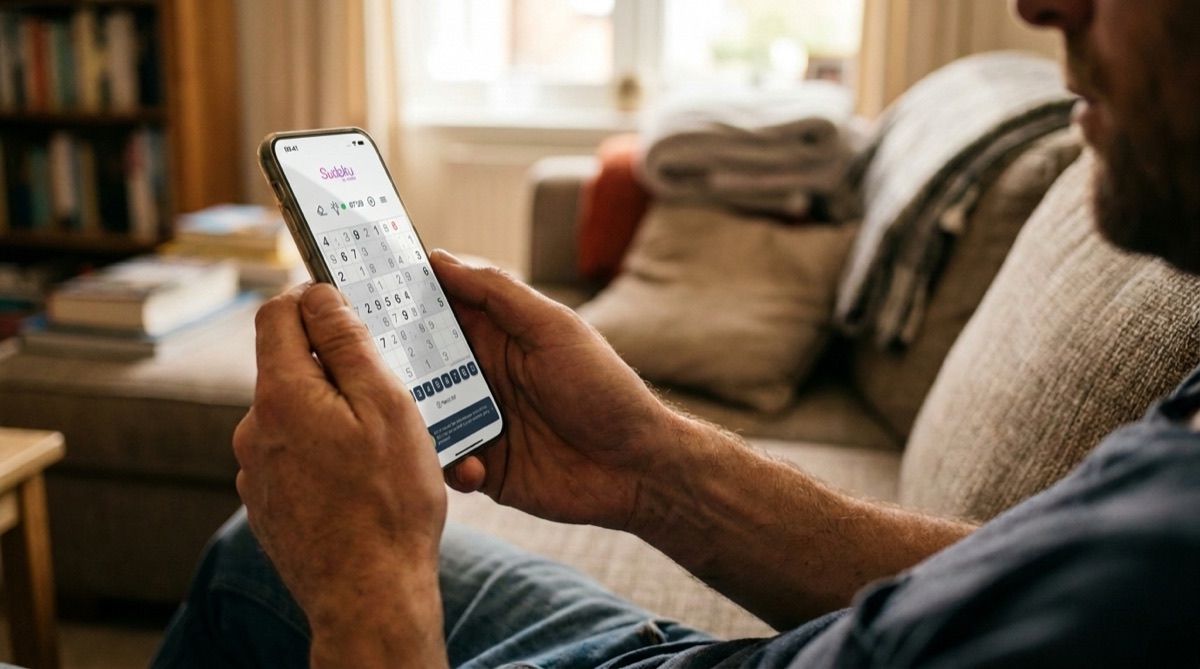
Why do sudoku apps have a 3-mistake limit?
The mistake counter is a monetization mechanic borrowed from casual free-to-play games. The pattern is always the same: you fill a wrong digit, a counter ticks up, and at three the board locks. Then you're offered a choice — watch a video ad to keep going, spend a "life" or "coins" from a stockpile, or start over. Some apps add an "energy" system or a level "journey" on top, so that playing more than a few puzzles per day requires either waiting or paying.
None of this has anything to do with sudoku. A newspaper puzzle doesn't confiscate your pencil after the third eraser mark. The limit exists because interruptions are the product: every locked board is an ad impression or a microtransaction opportunity.
There's a second, subtler problem: the mistake counter only works if the app checks every digit you enter against the solution in real time. That means the app is constantly telling you whether you're right — which quietly changes the game you're playing.
What the mistake counter does to your solving
When every entry is instantly graded, guessing becomes a strategy. Stuck between two candidates? Type one in — if the counter doesn't move, it was right. Players end up "scanning" with guesses instead of reasoning, because the app has turned deduction into a slot machine that pays out two free errors.
Solving without a mistake counter is a different experience. You place a digit because you can justify it, and a wrong deduction surfaces naturally — usually as a contradiction three moves later that you have to trace back yourself. That trace-back is where most people actually get better at sudoku. It's also, frankly, where the satisfaction lives.
Mistake-limited apps optimize for session frequency; mistake-free sudoku optimizes for the reason you opened the app in the first place.
What to look for in a pressure-free sudoku app
"No lives" is the headline, but the mechanic rarely travels alone. When you're choosing an app, check for the whole family:
- No mistake limit — the board never locks, no matter how many errors you make.
- No coins or currency — hints and features shouldn't be rationed through a token you're nudged to buy.
- No energy or daily caps — play twelve puzzles or none; the app shouldn't meter you.
- No forced "journey" — you pick the variant and difficulty, not a level map.
- Optional checking — being able to check your progress when you ask for it is useful; being graded on every keystroke is not.
How to play sudoku without lives in Sudoku by Joseph
- Install the app
Download Sudoku by Joseph for iPhone, iPad or Android. The download is free, and Classic, Jigsaw and Killer sudoku are included.
- Pick a variant and difficulty
There is no level map and no unlock path — every difficulty from Easy to Diabolic is available from the first launch.
- Solve at your own pace
Fill digits freely. There is no mistake counter anywhere in the app: a wrong entry never locks the board, triggers an ad, or costs you anything.
- Use notes and hints on your terms
Pencil marks are unlimited, and hints are something you request — not a currency you stockpile. Statistics track your times if you care about progress; ignore them if you don't.
Practical tips for mistake-free solving
- Treat contradictions as information: when a row ends up needing two 7s, walk backwards through your last placements instead of erasing everything.
- Use pencil marks from the start on harder puzzles — most wrong placements come from holding too many candidates in your head.
- If you have been using a mistake-counter app for years, expect an adjustment week: you will notice how often you were "confirming" guesses instead of deducing.
- Turn the timer off (or just ignore it) while retraining — pressure-free means the clock too.
Other options worth knowing
Honest alternatives: several other apps also respect your solving. Good Sudoku (iOS, one-time purchase) is excellent and teaching-oriented, with a hint engine that explains techniques. Sudoku.coach is a free website with a superb technique trainer if you don't mind playing in a browser. Not Evil Sudoku markets itself on the same no-dark-patterns promise. Where Sudoku by Joseph differs is breadth on native mobile: twelve variants including Killer, Samurai and the multi-grid family, a Daily Challenge with streaks, offline play — and the same no-lives promise across every one of them.
Frequently asked questions
Can I turn off the 3-mistake limit in other sudoku apps?
Sometimes. Some apps hide a "mistake limit" toggle in settings, or disable the counter once you pay for premium. Many do not offer it at all — the limit is the business model. In Sudoku by Joseph there is nothing to turn off; no mode of the app has lives.
Does "no lives" mean the app never tells me I'm wrong?
No — it means the app doesn't punish you. You can still use hints when you ask for them, and your completed puzzle is validated at the end. The difference is that checking happens on your terms instead of on every keystroke.
Is playing without a mistake counter harder?
Slightly, at first — you lose the free right/wrong feedback. But that feedback was doing the deduction for you. Most players find their real solving improves within a couple of weeks of switching.
Is Sudoku by Joseph completely free of ads too?
The free download is ad-supported (never mid-puzzle mechanics like lives, though). Premium removes ads entirely and unlocks all 12 variants; pricing varies by country — check the App Store.
Play sudoku the way it was meant to work
12 variants, a Daily Challenge with streaks — and never any lives, coins or energy bars. The download is free.